How to collect wedding guest photos without an app
Your guests will take more photos of your wedding than anyone you hire. Some will be blurry, some will be the best picture of the day. The hard part isn't taking them. It's getting them out of forty different phones and into one place you can keep.
Most couples try a group chat, a shared album link or a hashtag, and then spend weeks chasing people. Here is a simpler way to do it, with no app for guests to download and no account for them to create.
What gets in the way when you collect wedding guest photos without an app
Three things usually get in the way:
- Guests have to install or sign up for something. At a wedding, people won't. They're dressed up, holding a drink and talking.
- Photos end up scattered. Texts, emails, social posts and cloud links all hold a few.
- Nobody knows where to send them. Without clear instructions on the day, most guests do nothing.
A good setup removes each of these: one link, one place, one sign people can scan.
How the QR-to-gallery flow works
- You get an event gallery. It's one page, with your names, date and look, that holds everything guests upload.
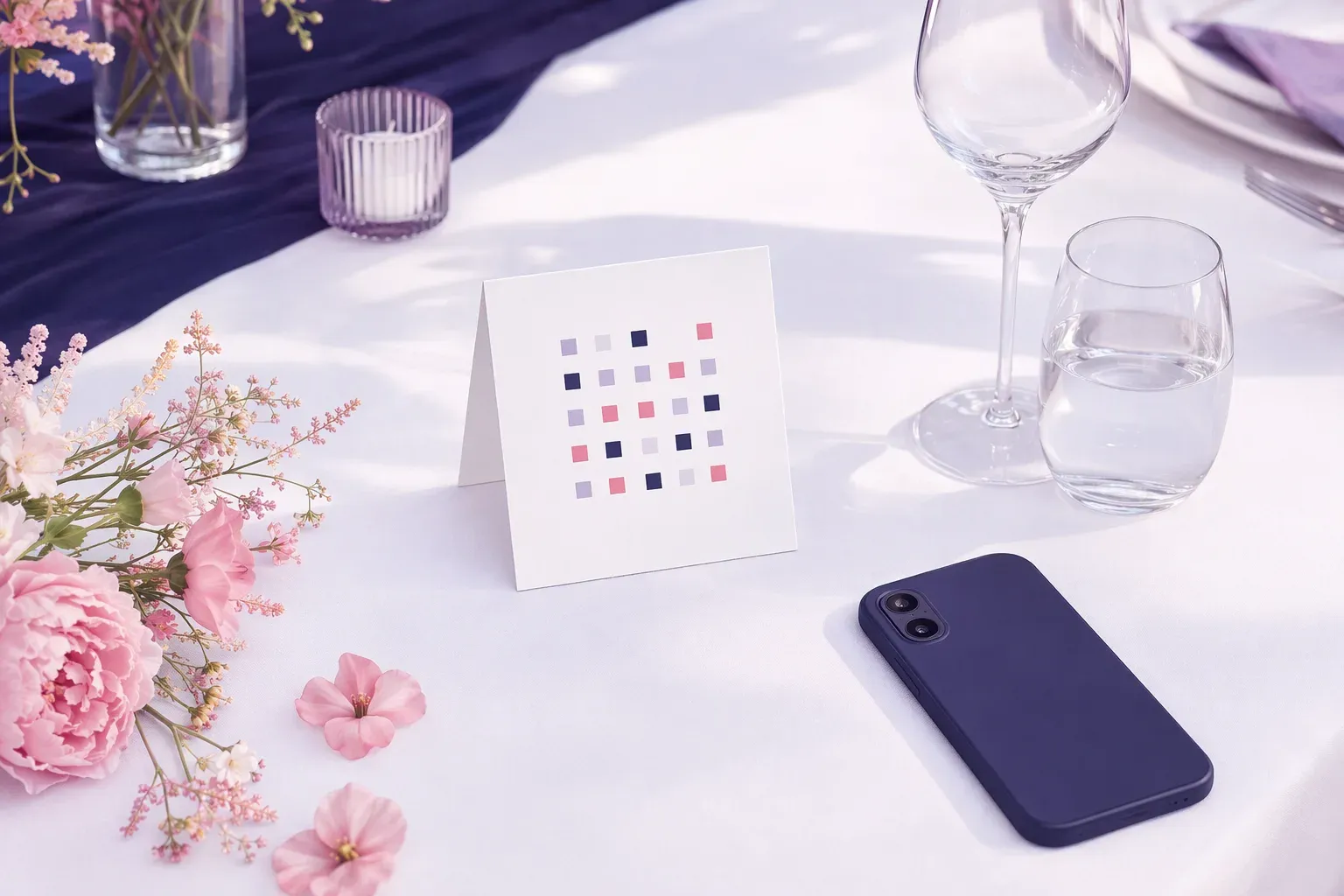
- The gallery has a QR code. It goes on table cards, a welcome sign or the order of service.
- A guest points their phone camera at the code. The gallery opens in their browser. No app, no sign-up.
- They choose photos, videos or audio from their phone and upload. Everything lands in your gallery.
- You keep it. After the wedding you can revisit the gallery, share it and download what you want.
Where the QR code should go
Guests act on what they see while they're sitting still. Good spots:
- On each table, on a small card
- At the welcome sign or guest book
- On the bar or the dessert table
- In the programme or on the menu
- On a screen during the reception, if your venue has one
One line of text beside the code helps: "Scan to share your photos and videos from today." Say it once out loud too. A short mention from the host, the DJ or the photographer during dinner reminds people the code is there.
Set it up before the day, and test it
The main risk isn't the idea. It's a code that hasn't been tried. Before the wedding:
- Scan the code on a few different phones
- Upload a photo and a short video
- Check that the gallery shows your names and details correctly
- Print the code at a size that scans from a normal arm's length
Where ShareThisMemory fits
ShareThisMemory's Assisted Event is built around that last step. You tell us about your event, and our team builds your branded gallery and QR code, then tests it before it goes to you. Builds are ready in 24 to 48 hours, and there is a rush build for under 24 hours. A single event starts from $39, and a QR card artwork pack is available if you'd like print-ready cards.
Guests scan and upload from their phone. We can't promise how many people will take part, as that depends on your guests, but we can make sure the way in is clear and works before the day.
A short checklist
- Choose how many places you'll show the QR code
- Put one clear line of instruction beside it
- Test it on more than one phone
- Ask your photographer, planner or a friend to mention it once during the reception
- Decide how long you want the gallery online afterwards (an extra 12 months is available from $29)
Ready to set up your own? Start at ShareThisMemory.